Description
Intelligent Google reCAPTCHA Risk Protection for WordPress
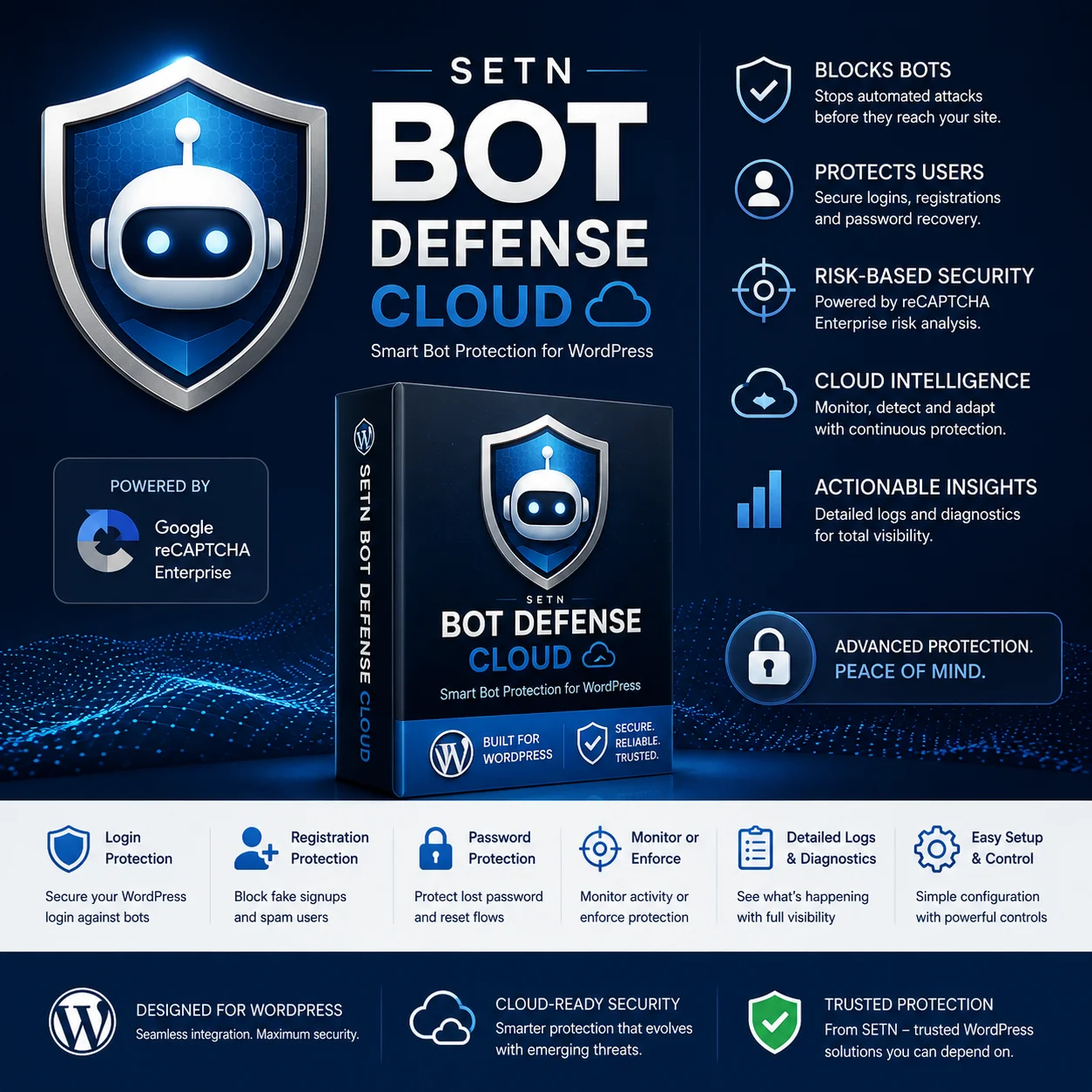
Protect critical WordPress authentication forms from bots, automated abuse, fake registrations, and malicious activity using Google reCAPTCHA risk assessment—without forcing legitimate users to solve traditional CAPTCHA challenges.
Monitor. Assess. Protect.
Smarter Bot Protection Without Traditional CAPTCHA Challenges
Bots don’t just submit contact forms.
They attack login pages, create fake accounts, abuse password-recovery systems, probe websites for vulnerabilities, and generate enormous volumes of automated traffic.
SETN Bot Defense adds an intelligent security layer to WordPress authentication.
Instead of asking every visitor to identify traffic lights or click checkboxes, Bot Defense obtains a reCAPTCHA risk assessment behind the scenes and evaluates the result on your WordPress server.
Each protected request can be evaluated using multiple security signals, including:
- Token validity
- Expected WordPress action
- Returned Google action
- Website hostname
- Google risk score
- Google risk indicators
- SETN security policy
Legitimate users can continue normally while suspicious requests can be monitored or blocked.
Protect Critical WordPress Authentication Surfaces
SETN Bot Defense can protect the native WordPress:
Login
Help defend /wp-login.php against automated login attempts and credential attacks.
User Registration
Evaluate new account registrations before WordPress processes them.
Lost Password
Protect password-recovery requests against automated abuse.
Password Reset
Apply risk assessment during the password-reset process.
Each protected operation uses its own security action, giving Bot Defense greater visibility into what is happening on your site.
Monitor Before You Enforce
Security shouldn’t require guessing.
SETN Bot Defense includes Monitor Mode, allowing administrators to evaluate real website traffic before blocking anything.
In Monitor Mode, Bot Defense performs the same assessment and policy evaluation used during enforcement but records what would have been blocked instead of interrupting the request.
This allows you to:
- Observe legitimate user scores
- Identify suspicious requests
- Validate your Google configuration
- Test security thresholds
- Detect integration problems
- Reduce the risk of false positives
When you’re comfortable with the results, switch to Enforce Mode.
Detailed Security Diagnostics
Bot Defense provides visibility into each recent assessment.
Depending on the assessment, diagnostics can include:
- Expected security action
- Google-returned action
- Token submission status
- Token validity
- Token creation time
- Browser token state
- Google invalid-token reason
- Website hostname
- Risk score
- SETN security decision
- Monitor or Enforce mode
- Plugin decision reason
- Google risk reasons
- Site-key fingerprint
- Google assessment identifier
Sensitive information such as passwords and raw reCAPTCHA tokens is not stored in the assessment history.
Risk-Based Protection
Not every visitor should be treated like a bot.
Google reCAPTCHA provides a risk score that helps determine how suspicious an interaction appears.
SETN Bot Defense applies your configured security threshold to those assessments.
For example:
Higher score → lower apparent risk
Lower score → greater apparent risk
Administrators can adjust the threshold based on their website’s traffic and security requirements.